
Popular Products
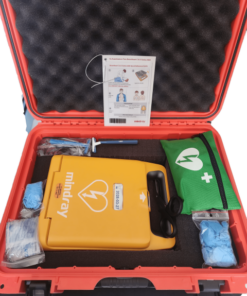
AED
Hire
AED
Hire
Bandages & Dressings
Burns
Fluid Replacement
Diagnostics & Patient Management
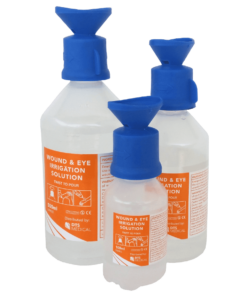
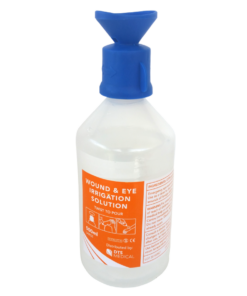
Eye Wash & Saline
Eye Wash & Saline
Eye Wash & Saline
Eye Wash & Saline
Eye Wash & Saline
Hemorrhage Control
Hemorrhage Control
Bandages & Dressings
Hemorrhage Control
Immobilization & Transport
Bandages & Dressings


Plasters
Diagnostics & Patient Management
PPE & Disinfectant
Diagnostics & Patient Management
Resuscitation
Diagnostics & Patient Management
Training products only
GPS
InReach
Hire
Satellite Phone
Satellite Phone
Satellite Phone
GPS
InReach
InReach
Hire
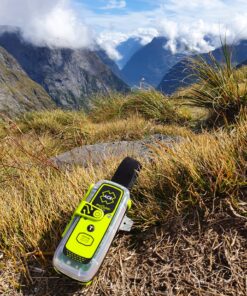
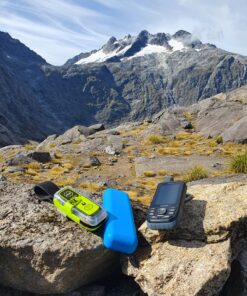
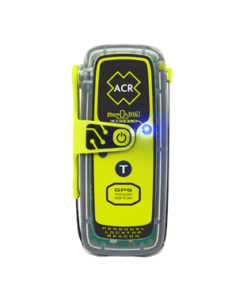
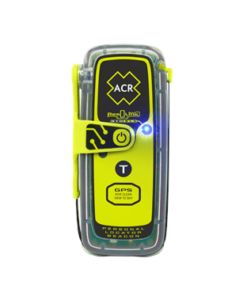
Personal locator Beacons
Hire
Hire
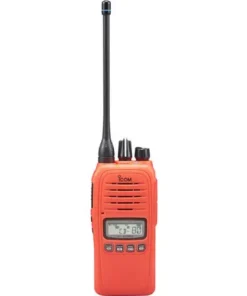
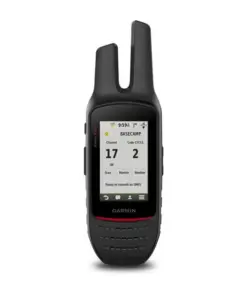
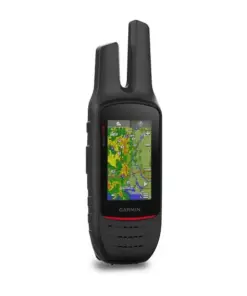
Radios
Radios
Fire Extinguisher
100×100 Fire Extinguisher First Aid 45 degree split Vehicle Sticker
Fluid Replacement
Fluid Replacement
Fluid Replacement
Fluid Replacement
Tools
$23.65 Incl GST
In stock
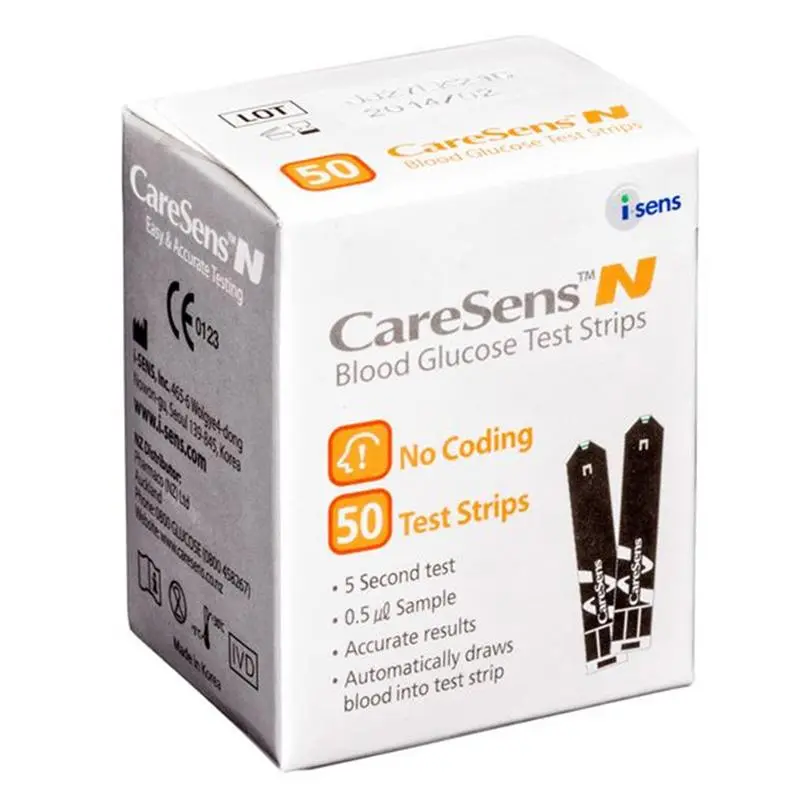
HOW TO USE CareSens N test strips don’t need manual coding and are designed to work with the CareSens N, CareSens N POP and CareSens N voice meters.
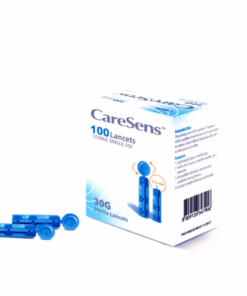
A. PREPARING THE LANCING DEVICE Unscrew and remove the adjustable tip. Insert a new disposable lancet firmly into the carrier. Twist off and set aside the protective cover of the disposable lancet and replace the adjustable tip. Set the depth of penetration that you want to use; in thicker skin areas use a higher number; in thin sensitive skin areas use a lower number. Rotate the top portion of the adjustable tip until the setting number matches the arrow. Cock the lancing device by pulling on the sleeve until the device clicks.
B. PREPARING THE METER AND TEST STRIP Wash your hands and the site from which the blood will be drawn. Gently insert the square end of the test strip into the meter port with its contact bars facing upwards. The (strip with blood drop) symbol should appear on the screen. Get a blood sample using your lancing device (see instructions above). Touch the pointed tip of the strip into the blood droplet on your finger, keeping the test strip vertical to the blood droplet, making sure the blood fills up the small window on the black side of the strip.
Note: You only need about 0.5µl of blood (about the size of a pinhead). Once the blood sample has filled the confirmation window, the meter will beep. If the blood sample has insufficient volume, an error message will appear. The test result will appear after the meter counts down from 5 to 1.
The result will automatically be stored in the meter’s memory. Note: the test strip must be inserted into your meter before applying blood to the pointed end. The meter does not require any manual coding. CareSens N blood glucose test strips are for use only in CareSens N, CareSens N POP anc CareSens N Voice meters. The meter will switch off if the blood sample is not applied within 2 minutes of inserting the test strip into the meter.
Diagnostics & Patient Management
Immobilization & Transport
Diagnostics & Patient Management
1 review for CareSens N Blood Glucose Test Strips